Posts

Showing posts with the label Batch

Batch Wise Stock Help Guide
Image
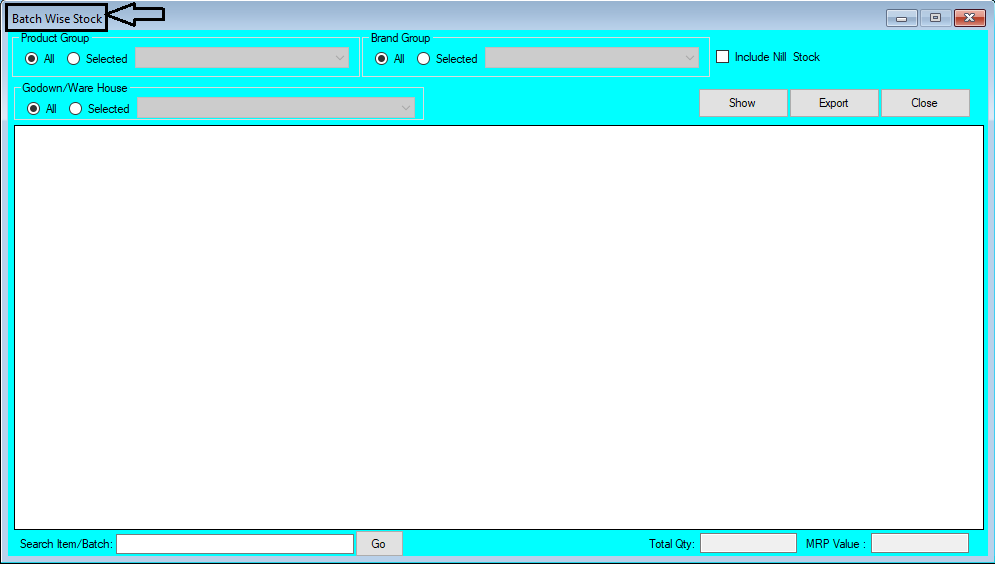
How to Check Report of Batch Wise Stock in Chanakya ERP Batch Wise Stock List  Click on  Batch Wise Stock in  Reports Menu  to open Batch Wise Stock List option (as shown in below image) You Can Filter this Report in Two  Ways,  Product Group  &  Brand Group  and you can select  Godown/Warehouse   (If your Business Contains Multiples Godown)  as shown in below image Select Product Group "All"  or " Selected " Product Group which was Created during Item Master and Godown "All"   or "Selected" Godown which was created during Godown Master and Click on Show Button to View the data according to Selected Filter with Total Quantity and Total MRP Value at bottom of Window, as shown in below image Select   Brand Group   "All"  or " Selected " Brand Group which was Created during  Item Master  and  Godown "All"   or  "Selected" Godown  which was created duri...
Batch Expiry List Help Guide

Image
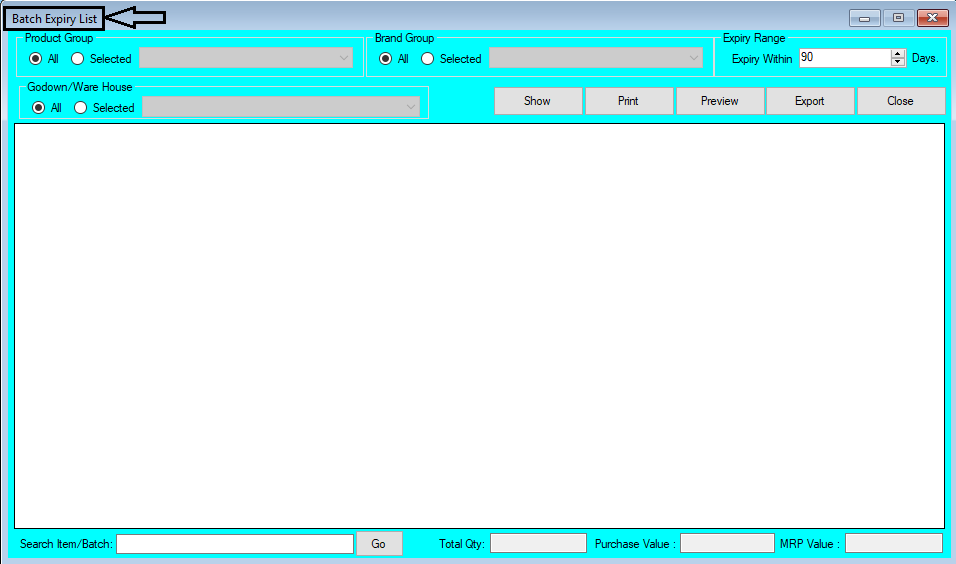
How to Check Report of Batch Wise Expiry in Chanakya ERP Batch Expiry List  Click on  Batch Expiry List  in  Reports Menu  to open Batch Expiry List option (as shown in below image) You Can Filter this Report in Three Ways, Product Group , Brand Group & Expiry Range (Which can be set according to days to Expire)  and Godown/Warehouse also you can select (If your Business Contains Multiples Godown) as shown in below image Click on Show Button to View the Filtered Data According to Product Group , Brand Group , Expiry Range & Godown Wise , Total Quantity with Purchase Value and MRP Value will be shown at bottom of window , as shown in below image You can also Search Item/Batch wise in Following Report to access the particular information regarding that Item , as shown in below image Batch Expiry List  (Product Group and Brand Group Wise)  can be  Exported  in  Excel  and  Text format  and send an  ...